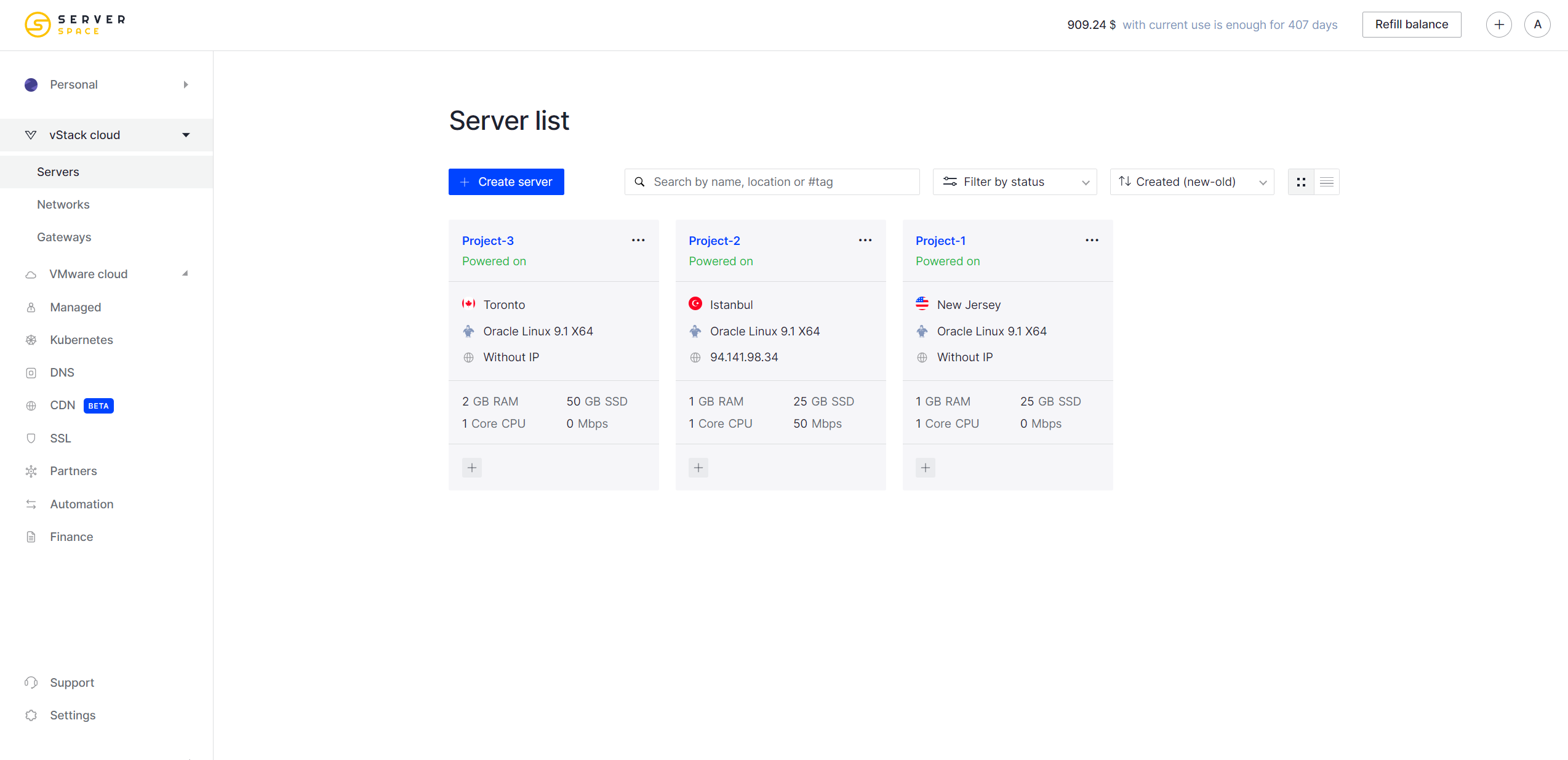
User-friendly interface
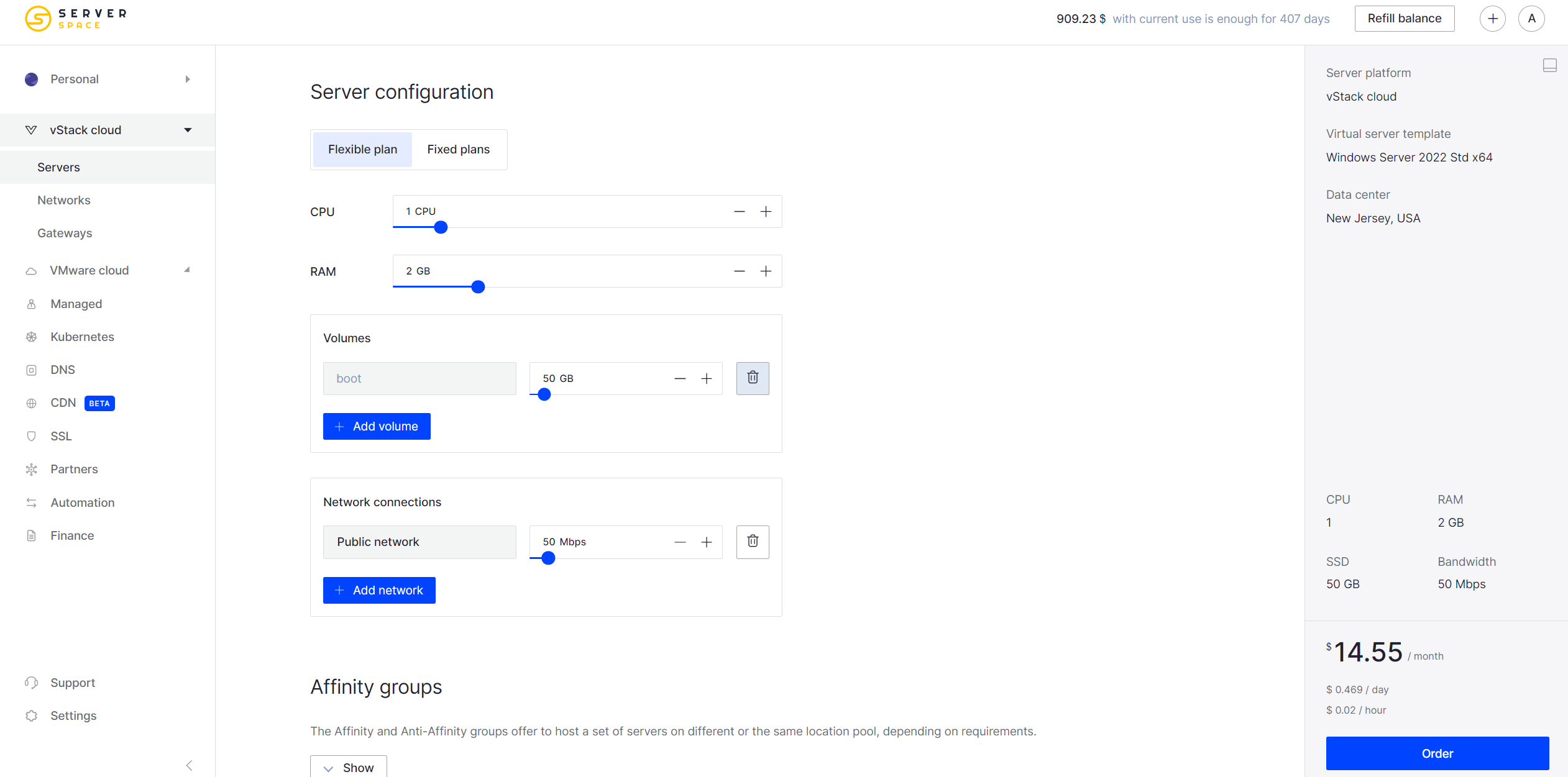
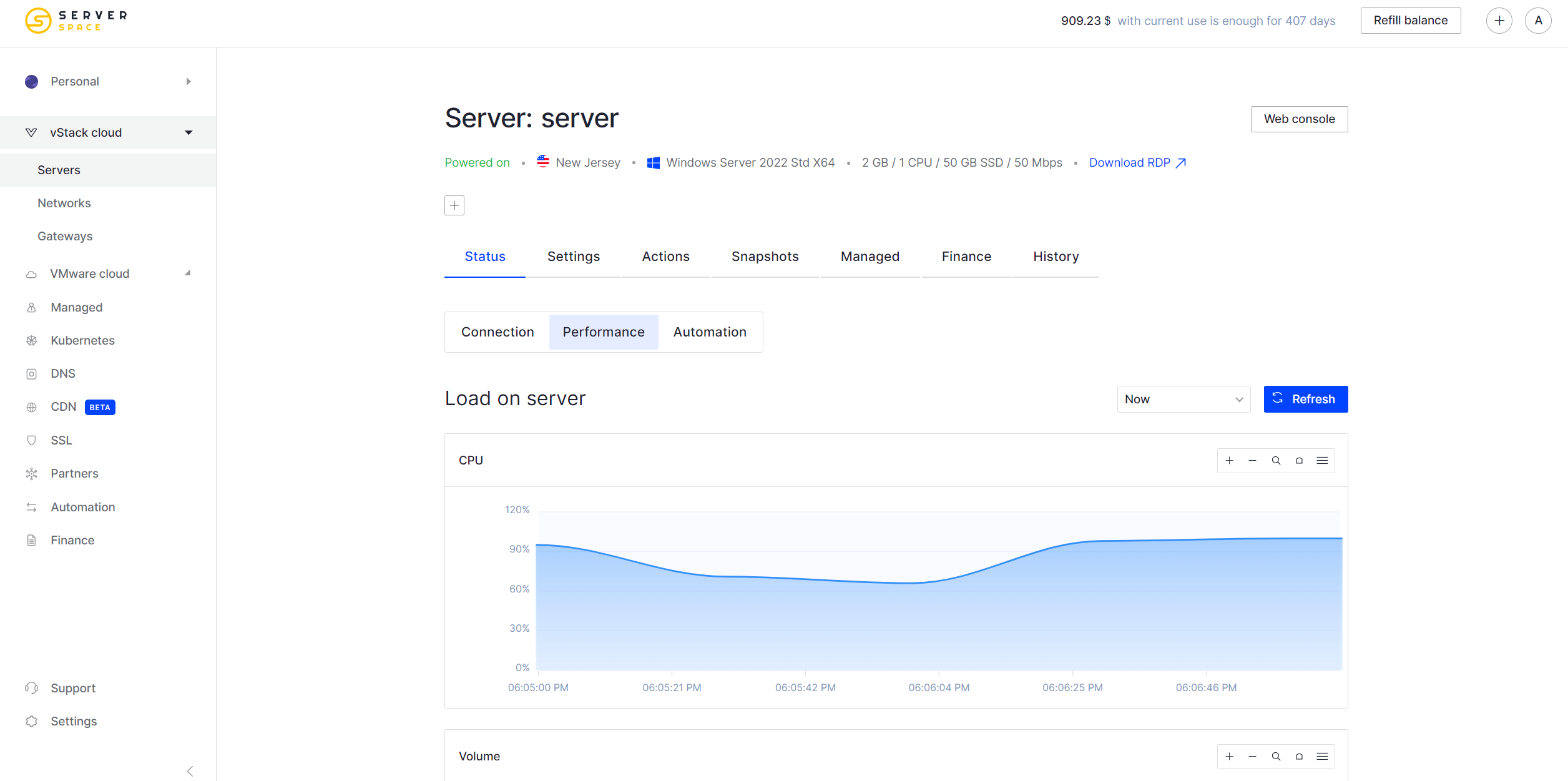
Our control panel has the necessary tools to monitor the state of your infrastructure and comfortably manage your application. Any problem is solved within the panel through the ticketing system.

Launch your MySQL database server instantly on Serverspace cloud infrastructure. No complex setup required – get a production-ready MySQL instance running in under 60 seconds.
You are not tied to rates and can rent any cloud server configuration.

Your MySQL database server launches automatically with optimized configurations. Skip manual installation, security hardening, and initial setup – start working with your database immediately.

Pay only for actual usage with 10-minute billing intervals. Scale your MySQL server resources up or down anytime without commitment to monthly plans or rigid pricing tiers.

Deploy MySQL databases across multiple geographic locations. Choose the region closest to your users for minimal latency and faster query response times.
Explore Serverspace opportunities to grow your business.
Our control panel has the necessary tools to monitor the state of your infrastructure and comfortably manage your application. Any problem is solved within the panel through the ticketing system.
Complete control over your MySQL server with root access. After deployment, you can manually modify MySQL configuration files (my.cnf), adjust performance parameters, install additional tools like phpMyAdmin, or integrate with your existing infrastructure.
Estimate costs for a project with Serverspace pricing system. Funds are charged once in every 10 minutes, allowing you to pay for servers only for their lifetime.
Deploy a virtual server with a pre-installed MySQL database management system.
Start small and expand as needed:
- Vertical scaling: upgrade CPU/RAM without downtime;
- Read replicas for distributing query load;
- InnoDB storage engine with ACID compliance;
- Partitioning for managing large datasets.
MySQL handles complex queries efficiently, even with millions of records. Optimized indexing and query caching deliver fast response times for transactional and analytical workloads.
MySQL includes built-in security features you can configure:
- SSL/TLS encryption for client-server connections (configure manually);
- User access control and permission management through MySQL;
- Authentication plugins and password policies (MySQL native features);
- Encryption capabilities available in MySQL Enterprise or via manual setup.
What is MySQL and how does it work?
MySQL is a widely-used open-source relational database management system (RDBMS) that stores and organizes data in structured tables. It works by allowing applications to communicate with the database through queries written in SQL (Structured Query Language). When a query is received, MySQL processes it and returns the requested data or performs the specified action, such as inserting, updating, or deleting records. Its reliability, speed, and ease of use make it a popular choice for powering websites, applications, and data-driven services.
Read more about MySQL in our Instructions.
What are the key features of MySQL?
- Relational structure using tables with defined relationships between data;
- High performance and scalability for applications of any size;
- Cross-platform compatibility - runs on Linux, Windows, macOS, and other systems;
- ACID compliance ensures reliable transactions and data integrity;
- Replication support for redundancy, load distribution, and high availability;
- Built-in security including SSL/TLS encryption, user access control, and authentication;
- Comprehensive tooling for backup, monitoring, performance tuning, and management;
- Wide compatibility with popular programming languages (PHP, Python, Java, Node.js) and frameworks (Laravel, Django, Rails).
Where is MySQL used?
- Content Management Systems (CMS) - powers WordPress, Drupal, Joomla and other web platforms
E-commerce platforms - handles product catalogs, orders, customer data, and inventory;
- Customer Relationship Management (CRM) systems for sales and marketing data;
- Cloud services and Software as a Service (SaaS) products with multi-tenant architectures;
- Logging, monitoring, and tracking tools for analytics and system observability;
- Social media platforms managing user profiles, posts, and activity feeds.
Do I get root access to the MySQL server?
Yes. You receive full root access to both the operating system and MySQL installation. This allows you to modify MySQL configuration files, create databases and users, install additional software, and configure all MySQL settings according to your needs.

Sign up to the Serverspace control panel - instant setup, no binding terms.

Promote Serverspace easily with our built-in marketing tools.

Earn 10% from each referral’s purchases during their first year, and 5% for as long as they stay active.